Tutorials for online stores
-

What to Sell for Father’s Day (2026)
Father’s Day is approaching, and with it comes the perfect opportunity to make your business stand out and boost your sales.
-
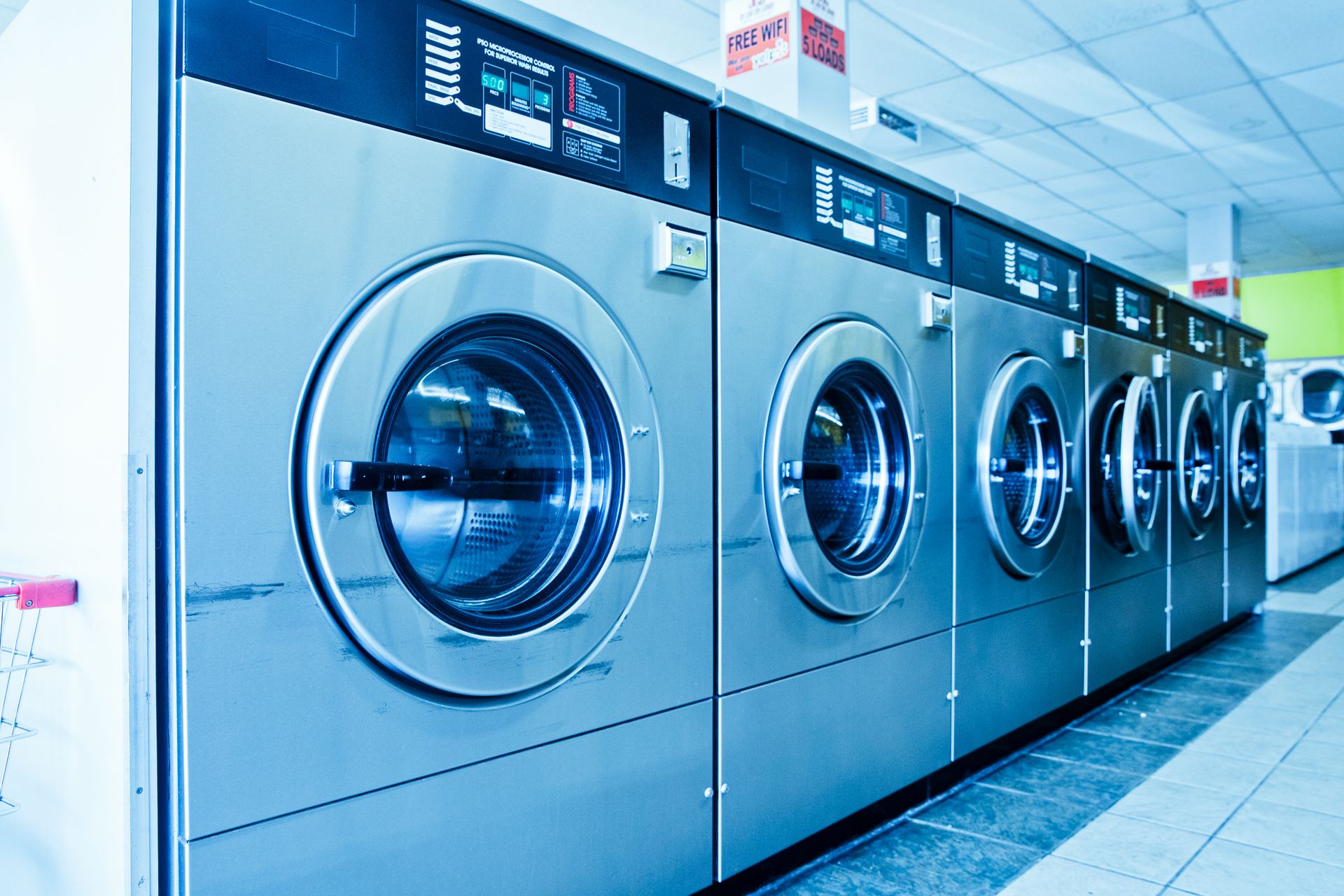
Create a website for a laundromat
This guide explains what sections the site should include, which platform to use, how to attract customers from Google, and what mistakes to avoid from the start.
-

Creating a Website to Sell Travel
Creating a website to sell travel packages isn’t a complicated process, but it does require attention to the right details
-

Create a website for a chocolate business
Creating a website for a chocolate shop is the most effective way to showcase your products, attract local customers, and sell online with ease.
-
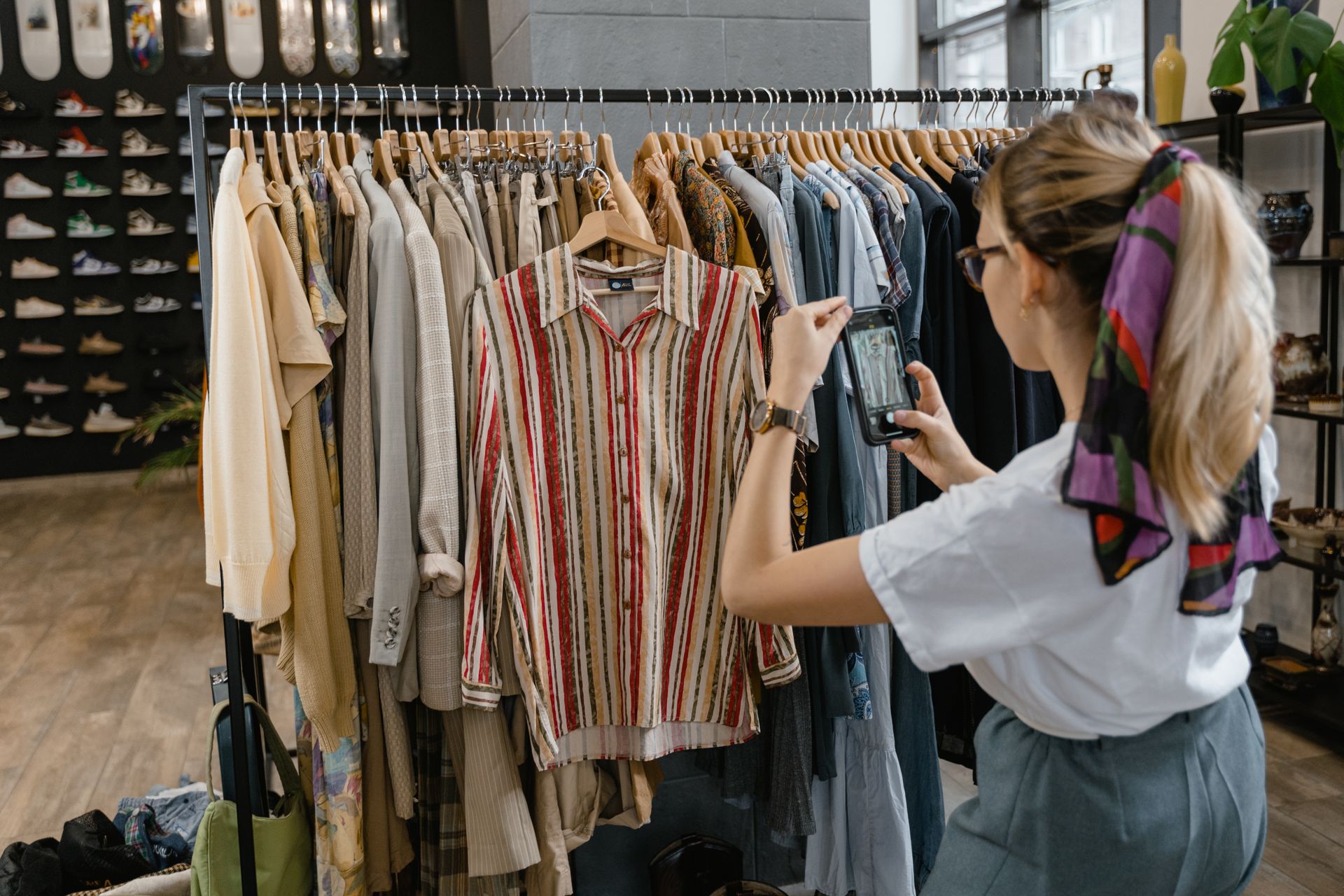
What to Do If You Sell on Instagram and It’s Down
If you sell on Instagram and the platform is down, don’t lose sales: implement a quick plan using your own simple website as a backup.
-

Creating a Website for a Dog Grooming Salon
This guide explains what sections the site should include, which platform to use, how to optimize it for Google, and what mistakes to avoid from the start.
-

Creating a Website for a Tattoo Artist
Creating a website for a tattoo artist is the best way to showcase your work, book appointments, and attract local customers without relying solely on social media.
-

Creating a Website for a Supermarket
Furthermore, if the supermarket offers delivery or allows online ordering, the website becomes a direct sales channel with much lower costs than third-party marketplaces.
-

Which antivirus is recommended in 2026
Malware doesn’t just come through executable files downloaded from dubious sites.
-
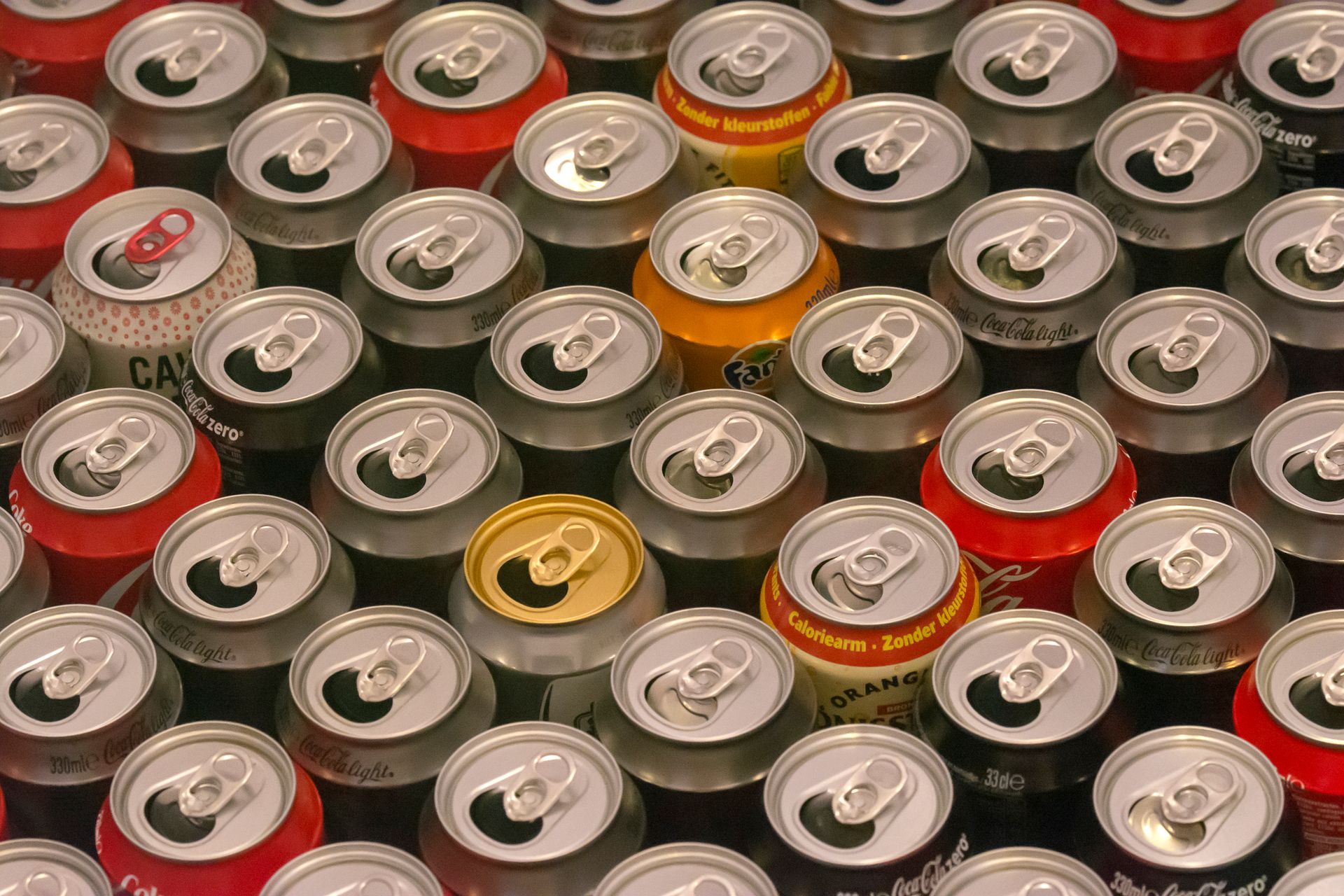
Creating a Website for a Beverage Business
Social media helps, but it’s not enough. An Instagram profile can disappear, change its rules, or simply stop showing your content to your followers.