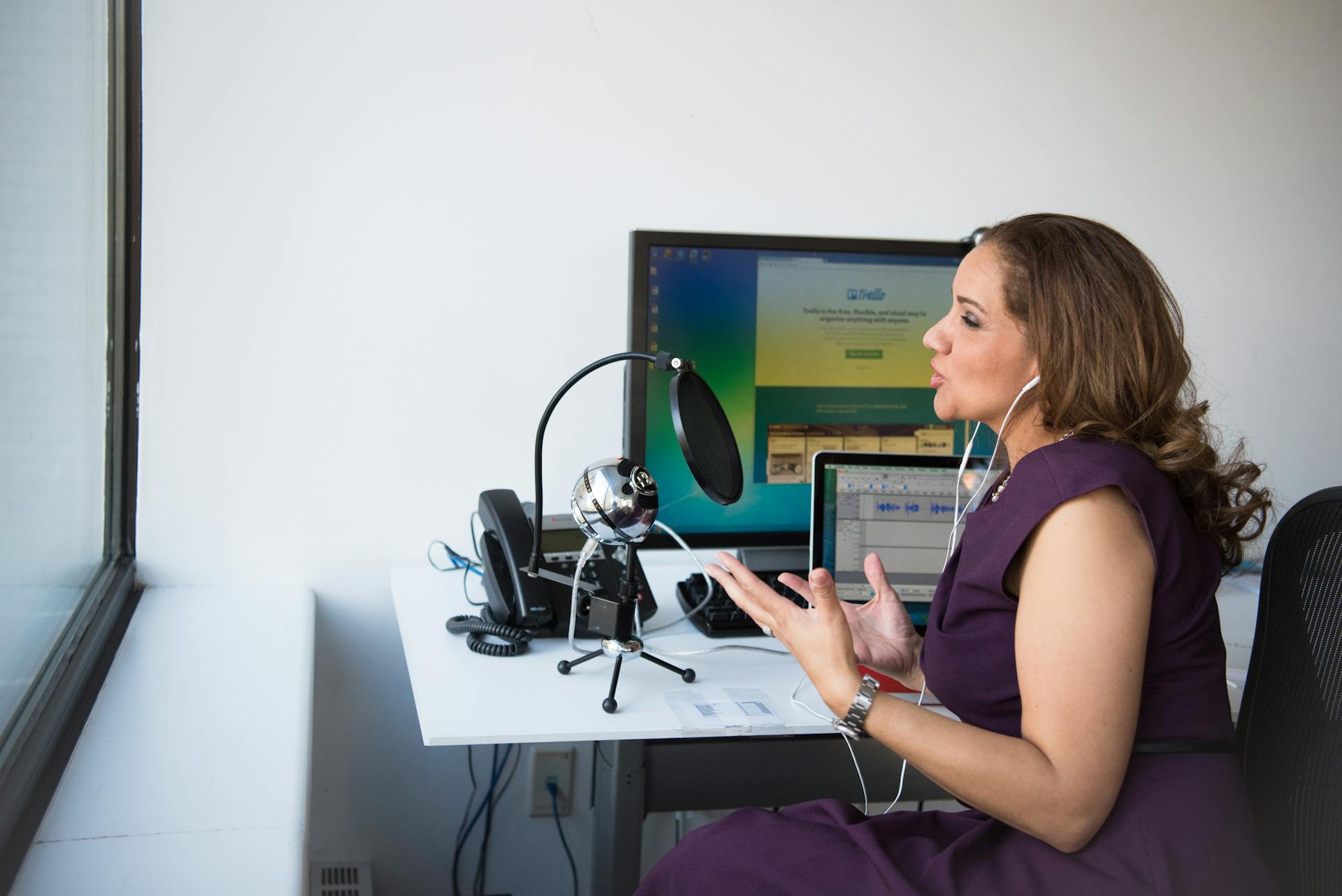
Creating a podcast on Spotify for free is easy and accessible to anyone with an idea to share. You do it to connect with listeners around the world without spending money, and thus build an audience that values your voice.
Have you ever felt that you have stories or ideas that deserve to be heard? Starting a podcast may seem complicated, but with Spotify it’s easier than you think. You don’t need to be an expert; just passion and a few simple steps. In this article, I’ll guide you through the process, whether it’s your first time or you’ve already tried something similar.
What is a podcast and why do it on Spotify for free?
A podcast is a series of audio files shared online, such as talks or stories that people listen to whenever they want.
Choosing Spotify for free means reaching millions of people in over 200 countries without paying to host your episodes. It’s ideal if you’re just starting out and want to try it out without any risk.
It also gives you tools to see how your audience responds, which helps you improve over time.
Steps to start a podcast on Spotify for free
Follow these steps one by one. Don’t rush; each one is key to a good result.
Create an account on Spotify for Podcasters
Go to the Spotify for Creators website and sign up with your email address. It’s free and fast.
Once inside, set up your profile with an attractive name for your podcast. Make sure it’s easy to remember.
Prepare the topic and script
Decide what your podcast will be about: tips, stories, or interviews? Write a simple script so you don’t get lost.
Keep episodes between 20 and 40 minutes long at first. This helps capture attention without overwhelming listeners.
Record your first episode
Use the Spotify for Podcasters app on your phone to record directly. Speak clearly and naturally.
If you prefer, record with a free app like Audacity on your computer. Try to record in a quiet place.
Edit and upload the audio
On the platform, edit to remove pauses or mistakes. Add royalty-free background music.
Upload the episode and complete the description with keywords such as “free podcast on Spotify.” Wait for approval, which is usually quick.
Distribute and promote
Spotify automatically generates an RSS link to share on other platforms. Invite friends to listen.
Use social media to announce new episodes. With consistency, your audience will grow.
Equipment needed to get started without spending a lot
You don’t need expensive equipment to start. A smartphone is enough to record and edit.
Add a basic microphone if you want better sound, such as a lapel microphone for less than $20. Use headphones to check the audio.
For editing, free apps like GarageBand or Audacity are sufficient. Avoid background noise by using a quiet room.
Advantages of creating a free podcast on Spotify
You reach a global audience without any initial costs, allowing you to experiment freely.
You get listener data, such as which episodes are most popular, to adjust your content.
You can monetize later with ads or subscriptions, turning your passion into income.
How to use AI to improve your podcast
Artificial intelligence helps you create faster, more professional content without extra effort.
Use tools like Google’s NotebookLM to generate dialogues or summaries from your notes. Just upload text and get ready-to-go audio.
For editing, Adobe Podcast automatically corrects noise or enhances voice. Try out script ideas in ChatGPT, adapting them to your style.
Little-known tips to stand out on Spotify
- Optimize your title with questions people search for, such as “How to save money?” This attracts more searches.
- In your creator account, recommend other similar podcasts to appear in the “More Like This” section.
- Add chapters in the descriptions so listeners can skip to specific parts, improving retention.
- Use lists curated by Spotify editors; submit your podcast for monthly consideration.
A real-life example is “Radio Ambulante,” which started out sharing Latin American stories and is now a top podcast on Spotify, attracting listeners with authentic narratives.
Conclusion
Starting a podcast on Spotify for free is an accessible way to share your voice with the world. Follow the steps, use simple equipment, and leverage AI to grow. With patience, you will see results.
Frequently asked questions about creating a podcast on Spotify
How long does it take for my podcast to be approved?
It usually takes 1 to 5 days, depending on the review.
Can I change the name later?
Yes, in your creator account, but let your audience know so you don’t lose them.
Do I need original music?
No, use free libraries like Spotify’s to avoid copyright issues.
How do I make money?
Once you have listeners, activate ads or subscriptions on the platform.
If you want a websiteto promote your podcast or host extra material, contact Neolo for customized and reliable solutions.