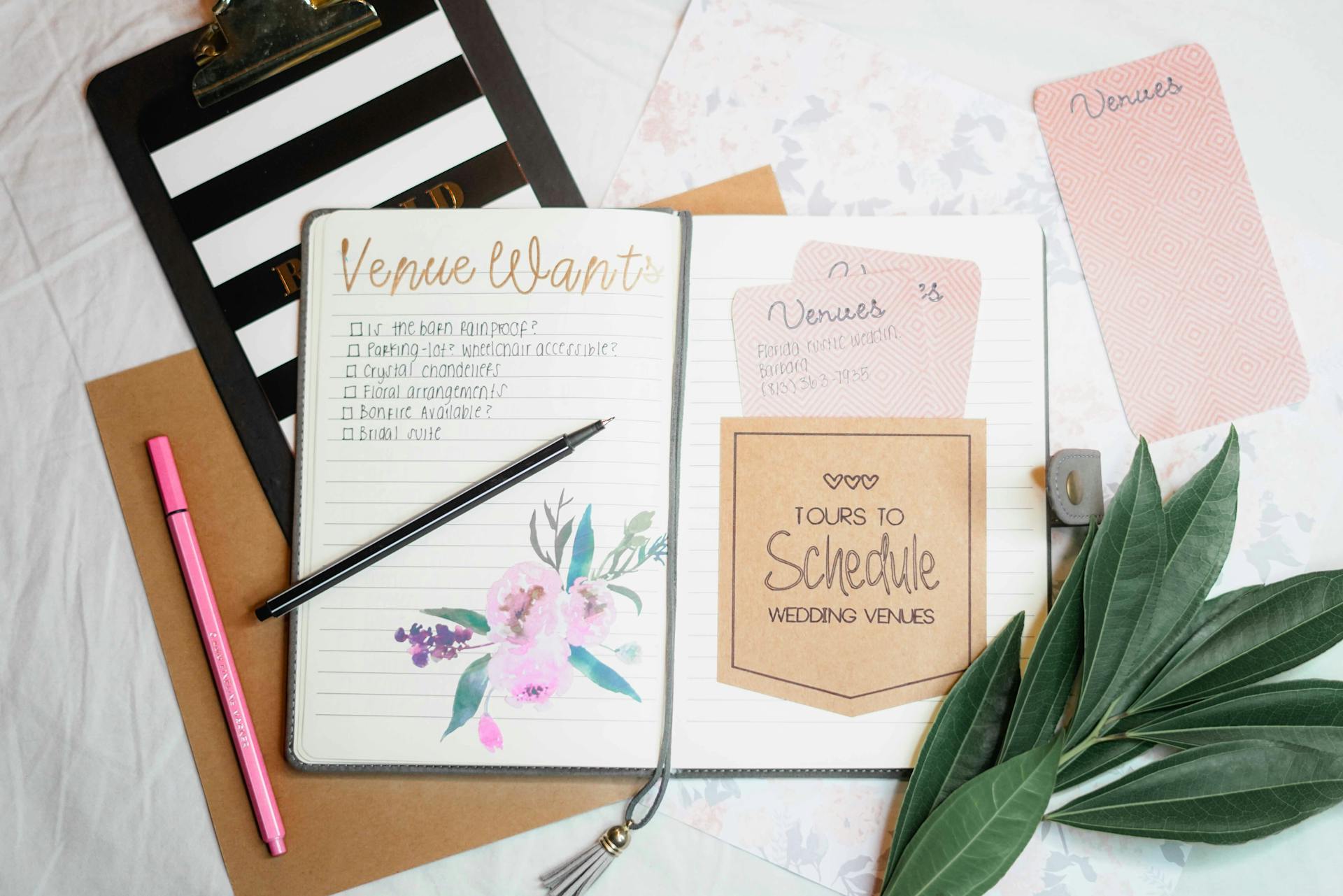
Designing and selling online planners is an accessible and profitable way to start a business, as it allows you to create personalized products with low initial costs and generate passive income.
The central idea is to combine creativity in graphic design with an efficient online store. The clear solution is to use tools such as Canva to create personalized planners and platforms such as Neolo Shop to sell online without commissions, trying it free for a month.
Why is it a good idea to design and sell planners online?
Personalized planners are in demand all year round, especially for personal organization or gifts.
Starting a business in this area allows you to work from home with flexibility.
In addition, the online market is growing, and you don’t need physical inventory if you opt for digital versions.
This reduces risks and initial costs.
Selling online gives you global reach without geographical limits.
You can focus on niches such as planners for students or professionals.
Remember, graphic design is key to setting yourself apart.
With practice, anyone can learn it.
Steps to designing personalized planners
Designing planners requires accessible tools and a little creativity.
Start by defining your target audience, such as busy moms or entrepreneurs.
Then, choose themes: minimalist, colorful, or thematic.
This makes your planners unique.
Recommended tools for designing planners
- Canva: Simple drag-and-drop interface. Ideal for beginners, with free planner templates.
- Adobe Express: Offers editable templates and advanced options for free customization.
- PowerPoint or Google Slides: Useful for basic layouts if you don’t want online apps.
Include elements such as calendars, to-do lists, and motivational sections.
Make sure they are printable or digital for apps such as GoodNotes.
Test beta versions with friends for feedback. This improves the design before selling.
Tips for designing planners
- An unusual tip is to integrate interactive digital stickers into PDF planners, which users can move around on tablets for greater engagement.
- Another is to use “internal hyperlinks” in digital planners to quickly navigate between sections, something that few mention but increases usability.
- Incorporate “intentional white space” for users to add personal notes, encouraging post-sale customization.
- Finally, design “perpetual versions” without fixed dates, reusable year after year.
How and where to sell calendars online
Selling online is the next step after design.
Choose a platform that does not charge sales commissions, such as Neolo Shop, the best option for starting an online business.
You can try it free for a month and focus on pure profits.
This is ideal for novice entrepreneurs.
Setting up an online store
Sign up for Neolo Shop and upload your planners as digital or printable products.
- Add descriptions with keywords such as “personalized planners” for SEO.
- Integrate secure payments and automatic shipping for digital products.
- Promote on social media to attract customers.
- Use email marketing to build loyalty by offering discounts on repeat purchases.
- Monitor sales with analytics integrated into the platform.
- Avoid platforms with high fees; Neolo lets you keep all the margin.
- This maximizes your income.
Marketing Strategies for Selling Online
Post on TikTok or Instagram Reels showing the design process, as successful entrepreneurs do.
Collaborate with influencers in related niches, such as productivity.
Offer packages: planner + digital stickers to increase value.
Use SEO in descriptions.
Relevant FAQs
Do I need graphic design experience to get started?
No, tools like Canva are intuitive and free, perfect for beginners.
How much does it cost to open a store on Neolo?
You can try it free for a month and there are no sales commissions, which makes it ideal.
Can I sell digital planners without printing them?
Yes, they are downloadable and generate passive income, as they can be sold infinitely without extra costs.
How do I optimize my store for Google?
Use keywords in titles and descriptions and create useful content in a blog or news section.
Conclusion
In summary, designing and selling planners online is accessible: use Canva to create personalized planners, choose Neolo Shop to sell without commissions, and apply tips such as digital stickers to stand out.
With dedication, you can build a profitable business from home!