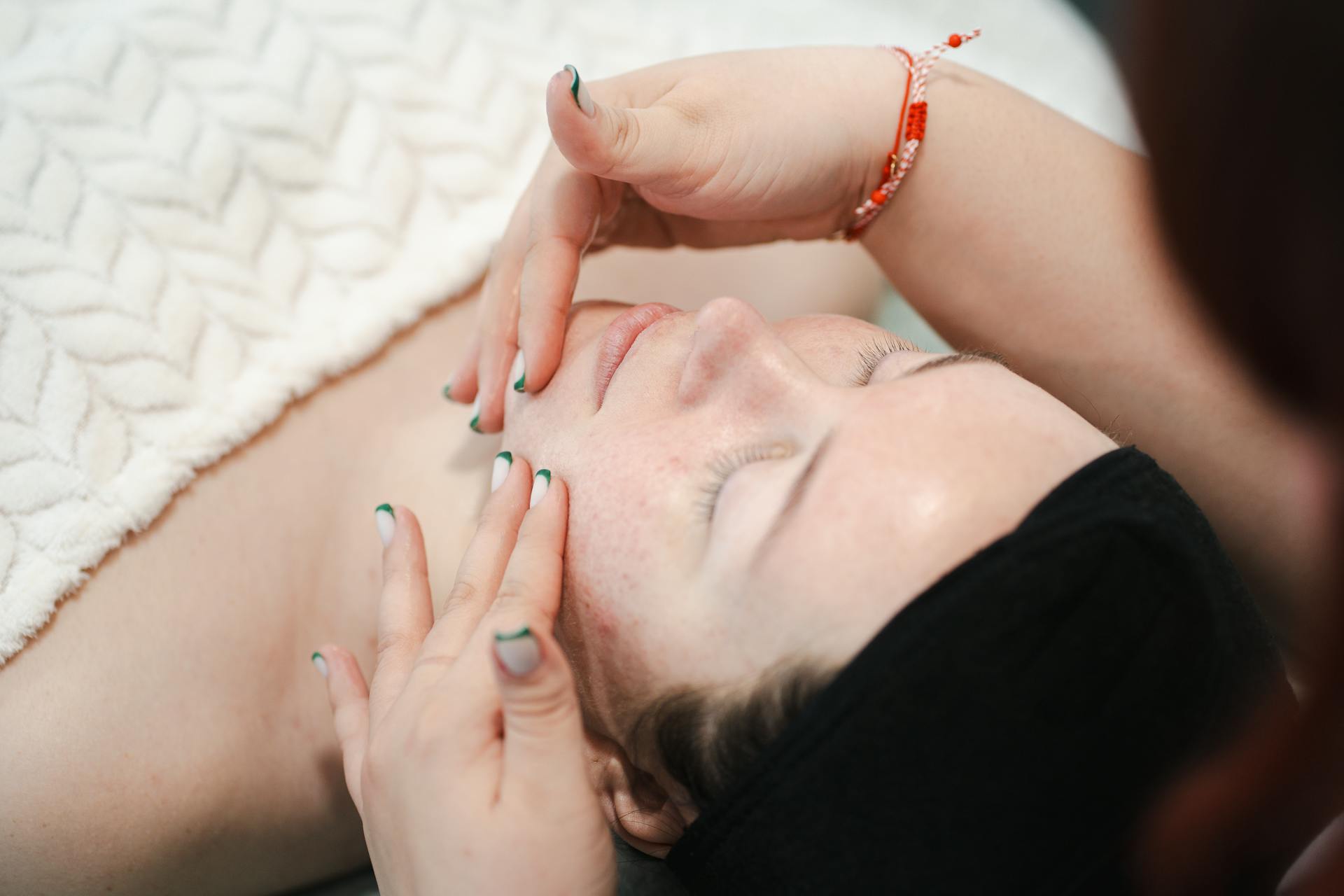
Having a website as a beauty professional is no longer a luxury or a complicated task: it’s a concrete advantage over those who rely solely on social media. Your own website allows you to showcase your services, accept bookings, and build trust with new clients 24 hours a day.
This article explains what your website should include, how to create it even if you have no technical experience, and why it’s one of the best investments a beauty professional can make today.
Why a beautician needs their own website
New generations of consumers search for professionals on Google before calling, asking a friend, or checking Instagram. If you don’t appear in that search, you simply don’t exist for that group of potential clients.
This is no exaggeration. When someone types “beautician near me,” “facial in [city],” or “laser hair removal with online booking,” the results that appear are websites. Social media profiles show up too, but further down the list, with less credibility and no option to book directly.
People trust professionals more when they have their own digital presence. A website conveys professionalism, stability, and commitment. It gives the impression that the business will still be there tomorrow, that it’s not just a fly-by-night operation. And that perception matters a lot when someone is choosing who will be touching their skin.
Plus, a website works for you even when you’re not working. At 2 a.m., someone can view your before-and-after photos, check your prices, read client testimonials, and book an appointment for the following week. No social media platform does that as effectively.
What a website for estheticians should include
Before choosing colors or fonts, you need to think about what someone visiting your site for the first time needs to see. These are the essential sections:
A clear and visual homepage
First impressions count. The homepage should communicate in just a few seconds who you are, what you offer, and where you’re located. A photo of you at work, a straightforward headline (“Facial Treatment Specialist in [city]”), and a visible booking button at the top of the screen are enough to grab attention.
Detailed service catalog
Each service deserves its own description: what it entails, how long it lasts, what results can be expected, and how much it costs. Avoid generic lists. Describe the procedure honestly and accurately. This builds trust and also helps with Google rankings, because each service can attract specific searches.
Some specific examples of what you can detail:
- Deep facial cleansing (duration, suitable skin types, expected results)
- Laser hair removal (available areas, number of recommended sessions)
- Slimming or body contouring treatments
- Eyelash extensions, eyebrow shaping, or nail art
- Relaxing or therapeutic massages
Gallery of real work
Before-and-after images are the most powerful tool a beautician has on their website. If the results are good, you should show them off. A well-curated gallery, featuring your own well-lit photos, builds more trust than any text.
Booking or Appointments Section
This could be a simple contact form, a link to a booking tool like Calendly, SimplyBook, or Acuity, or even a well-placed WhatsApp button. The important thing is that the contact process is easy and fast.
Testimonials and Reviews
Real customer feedback is essential. If you have Google reviews, display them on your website. If not, ask your regular clients to write a few lines about their experience. Nothing sells better than someone else saying the results exceeded their expectations.
Contact Information and Location
It seems obvious, but many sites get this wrong. Include: exact address (or service area if you make house calls), phone number or WhatsApp, business hours, and an embedded map if you have a physical location.
About Me or About Us
A brief section where you describe your training, years of experience, and work philosophy. People want to know who’s behind the business. This section humanizes the business and builds a connection before the first contact.
How to Create a Website for Estheticians Step by Step
You don’t need to know how to code or hire a designer to have a professional website. Today, the process can be completed in a weekend with the right tools.
Step 1: Choose a domain name
The domain is your internet address. It should be easy to remember, related to your name or specialty, and free of complicated characters. Choose a well-known extension (.com, .es, .com.ar, .com.mx, depending on your country).
Step 2: Sign up for a web hosting plan
Hosting is the service that keeps your website active on the internet. It’s what allows anyone in the world to access your site when they type your domain into a browser. Without hosting, there is no website.
Step 3: Install WordPress
WordPress is the world’s most widely used system for creating websites. Most hosting providers install it with a single click from the control panel. No technical knowledge is required.
Step 4: Choose a template or visual theme
There are hundreds of templates designed specifically for beauty salons, spas, and hair salons. Many are free or very inexpensive. Just choose one, customize it with your colors, logo, and photos, and you’ll have a visually appealing site.
Step 5: Add the content
With the design ready, the main task is to write the text for each section: services, about me, contact. Add your real photos and customer testimonials.
Step 6: Activate the SSL certificate
SSL is what makes your website appear as “secure” in the browser (with the padlock and https://). It’s essential for visitor trust and for Google rankings. Most hosting plans include it at no extra cost.
Step 7: Publish and share
Once the website is ready, share it on your social media, add it to your Google Business profile, put it on your business cards, and include it in your WhatsApp signature.
Website Builder for Estheticians: Which Tools to Use and How to Choose Hosting
The market offers several options for creating your site. Some are closed website builders, and others are open platforms like WordPress. Each has its advantages and limitations.
Closed website builders are simpler at first, but they limit you in the long run: you can’t easily switch providers, costs rise over time, and you have less control over SEO and speed.
WordPress with self-hosting gives you more control, more flexibility, and better long-term results. The initial learning curve is minimal with today’s visual tools (Elementor, Divi, Gutenberg’s native blocks).
What to look for in a hosting provider for estheticians:For this type of project, Neolo web hosting is a concrete and highly rated option. Neolo has been in the market for over 20 years since 2002, has more than 10,000 active customers, and offers real human support with response times that, in 80% of cases, don’t exceed one hour. As a company funded by its own customers, without external investors, its decisions are focused on maintaining service quality rather than meeting quarterly profitability targets.
- One-click WordPress installation
- Free SSL included
- Responsive technical support (that responds when something isn’t working)
- Good uptime (ensuring the website is always available)
- Reasonable pricing with transparent renewal terms
If you sign up for the plan in advance (available for up to 3 years), a discount is available on the first payment, making the initial cost even more affordable.
How to Stand Out from the Competition with Your Website
Having a website is the first step. But having a good website is what makes the real difference.
Showcase Your Expertise
If you’re an expert in treatments for sensitive skin, Korean skincare techniques, or micropigmentation, state it clearly on the site. Expertise attracts the right clients and positions you as a leader in that field.
Create Your Own Content (Blog or Tips Articles)
A blog with articles like “how to care for your skin after a facial” or “which treatment to choose based on your skin type” attracts organic traffic from people searching for information related to your services. That traffic can turn into inquiries and bookings.
High-Quality Photography
Photos matter more than they seem. A photo shoot lasting just a few hours can completely transform the perception of your site. Your own, authentic, and well-lit photos convey authenticity.
Speed and mobile experience
Over 70% of people access websites from their phones. A slow site or one that looks bad on mobile loses visitors before they can read a single line. Make sure your website loads quickly and looks good on small screens.
Google Business Profile
A Google Business Profile is free and powerfully complements your website. It appears when someone searches for services near their location, displays your reviews, and lets users view photos directly from the search results. It should always link back to your website.
Common Mistakes When Creating a Website for the Beauty Industry
Not Including Prices
Many estheticians don’t publish their prices out of fear of competition or because they vary by service. But the absence of prices creates friction: the visitor doesn’t know if they can afford the service and often doesn’t ask—they simply leave. If prices vary, at least provide a rough range.
Using Only Stock Photos
Generic images of perfect hands and spa cabins don’t say anything about you. Visitors notice this. Real photos, even if taken with a phone in good lighting, work much better.
Failing to optimize for local searches
If you have a beauty salon in Guadalajara, Bogotá, Madrid, or Santiago, your website must explicitly mention that city. Google needs that signal to show your site to people searching for services in that area.
Ignoring SEO from the start
SEO isn’t something you add at the end. URLs, page titles, descriptions, and keywords must be considered from the moment the content is created. It’s not complicated, but it does require attention.
Not updating the site
A website with summer hours posted in the middle of winter, or with a service that’s no longer offered, breeds mistrust. A basic but up-to-date site is better than an elaborate but neglected one.
Not having clear calls to action
The visitor needs to know what to do. “Book your appointment,” “Message me on WhatsApp,” “Check availability”: these phrases, well-placed and repeated on key pages, guide the user and increase the likelihood of contact.
How to create a website for healthcare and beauty professionals
The following video from the Neolo channel shows step-by-step how to create a website for a medical clinic, with a structure and approach that is also highly applicable to beauty centers and independent professionals in the health and wellness sector:
Frequently Asked Questions
Do I need to know how to code to create a website as a beautician?
No. With WordPress and a visual builder like Elementor or Gutenberg’s native blocks, you can design and publish your website without writing a single line of code. What you do need is to dedicate time to it and pay attention to the content.
How much does it cost to have a website for a beauty salon?
The basic cost is divided into two parts: the domain (between $10 and $20 per year, depending on the extension) and web hosting (from $5 to $15 per month depending on the plan). A WordPress template can be free or cost between $30 and $80 as a one-time payment. In total, you can have a professional site for less than $200 in the first year.
Is it better to have your own website or just use Instagram?
Social media is a promotional tool, not a stable platform for your business. Algorithms change, accounts can be suspended, and organic reach is constantly declining. Your own website is an asset that belongs to you, where you control the content, the design, and how you appear in search engines. The ideal approach is to combine both platforms, but always with the website as the foundation.
Which platform is best for creating a beauty salon website: WordPress, Wix, or Squarespace?
WordPress with self-hosting is the most recommended option in the long term due to its flexibility, control over SEO, and the ability to migrate without losing anything if you need to switch providers. Wix and Squarespace are simpler at first but more limited and costly over time.
Can my website appear on Google without paying for ads?
Yes. Organic search engine optimization (SEO) allows your site to appear in search results without paying for ads. It takes time (usually several months for consistent results) and requires that your website’s content be well-structured. Using the right keywords, having a fast-loading website, and getting other sites to link to yours are the key factors.
Can I include an online booking system on my beauty salon website?
Yes, and it’s highly recommended. There are WordPress plugins (such as Bookly, Amelia, or Simply Schedule Appointments) that let you display availability and accept bookings directly from the site. You can also integrate external tools like SimplyBook, Calendly, or Acuity and link to them from your website.
How long does it take to get a website up and running?
With today’s tools, a basic yet professional website can be ready in a weekend. A more comprehensive website, featuring a gallery, blog, booking form, and well-written content, can take between two and four weeks if worked on in your spare time.
Conclusion
Creating a website as a beauty professional is one of the most profitable decisions a professional in the industry can make today. Not because it’s trendy, but because people search for and trust those with their own digital presence. A well-made website works for you 24 hours a day, attracts clients who would never have found you through other means, and projects an image of professionalism that social media cannot replace.
The important thing isn’t having the perfect website from day one. The important thing is to get started. With the right content, good photography, and a reliable hosting service, the results will follow.
To take that first step on a solid foundation, Neolo’s web hosting offers everything you need: one-click WordPress installation, SSL included, technical support with a response in under an hour in most cases, and over two decades of experience supporting professionals and entrepreneurs who’ve committed to building their digital presence.