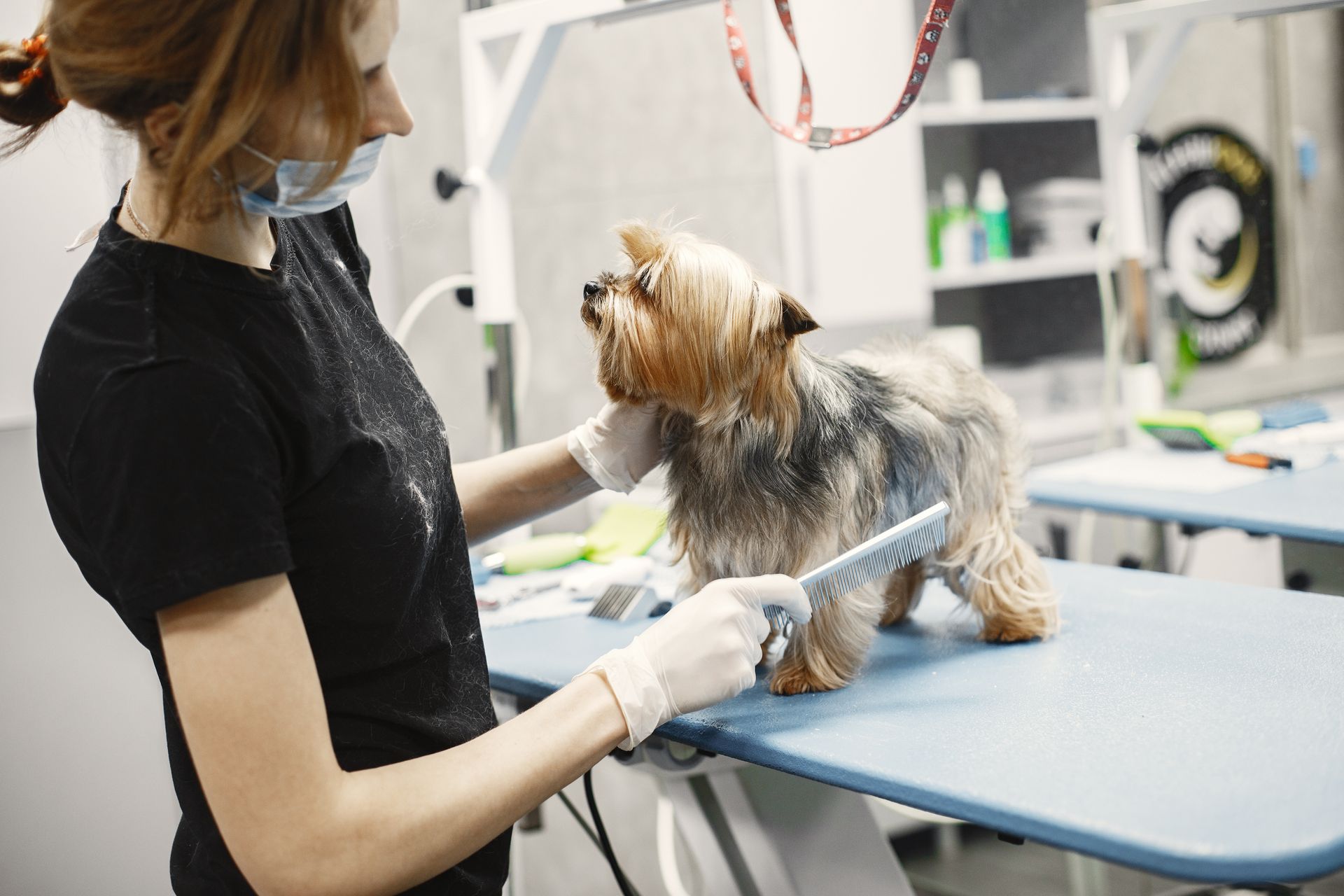
A professional website allows a dog grooming salon to accept online bookings, showcase its services, and stand out from local competitors. This guide explains what sections the site should include, which platform to use, how to optimize it for Google, and what mistakes to avoid from the start.
Why a dog grooming salon needs its own website
Most pet owners search for dog grooming services on Google before calling or asking on social media. If your business doesn’t appear in that search, it simply doesn’t exist for that potential customer.
Having a profile on Instagram or Facebook helps, but it doesn’t replace having your own website. Social media platforms constantly change their algorithms, limit organic reach, and don’t let you control the user experience. Your own website, on the other hand, runs 24/7, allows you to receive automatic bookings, showcases your portfolio, and builds trust from the very first second.
Plus, dog grooming clients are typically repeat customers and locals. That means ranking well on Google for searches like “dog grooming in [city]” can generate a steady stream of new clients without having to pay for ads all the time.
A website also allows you to display prices, describe services in detail, post before-and-after photos of each dog, and facilitate direct contact. All of this reduces the friction between a curious visitor and a customer who makes a booking.
What sections should a dog grooming website have?
Before thinking about technology or design, it’s best to define the site’s structure. A website for this type of business doesn’t need to be complex, but it does need to be comprehensive.
Homepage
This is the first impression. It should communicate in just a few seconds what the business does, where it’s located, and what sets it apart. A clear headline, a real photo of the location or the animals served, and a call-to-action button (“Book an Appointment” or “View Services”) are the minimum requirements.
Services and Prices
Visitors want to know what each service includes and how much it costs. Detailing bathing and drying, breed-specific grooming, nail trimming, ear cleaning, and any additional treatments builds trust and reduces repetitive questions via WhatsApp or phone.
Including approximate prices (or ranges based on the dog’s size) improves the experience and filters out clients who aren’t a good fit for your offerings, saving time for both parties.
Portfolio
Before-and-after photos are the most powerful selling point for a dog grooming salon. A client who sees how a Golden Retriever or a Poodle turned out after the service makes a decision much faster than if they were just reading text.
The images should be high-quality, authentic (not stock photos), and updated regularly.
Online Bookings
Offering the ability to book an appointment directly from the website is a clear competitive advantage. This can be implemented using a WordPress booking plugin, a contact form, or an integration with tools like Calendly or SimplyBook.me.
About Us
A brief section that humanizes the business: who is behind it, how many years of experience they have, which breeds they know best, and whether the salon has certain certifications or specialized training. Pet owners trust people, not just brands.
Contact and Location
Address, phone number, WhatsApp, embedded Google Maps, and business hours. This information should be easy to find from any page on the site, not just the contact section.
How to create a dog grooming salon website step by step
Step 1: Choose the domain
The domain is your website’s address (for example, peluqueriacaninabonita.com). It’s best to include the business name or the phrase “dog grooming salon” plus the city, if available.
A clear, short, and easy-to-remember domain facilitates word-of-mouth and improves local Google rankings.
Step 2: Sign up for hosting
Hosting is the service that keeps your website active on the internet. For a dog grooming salon, a web hosting plan is sufficient: you don’t need anything more powerful unless the site includes an online store or advanced features.
When choosing a provider, prioritize uptime (server availability), loading speed, and the quality of technical support.
Step 3: Install WordPress
WordPress is the world’s most widely used platform for websites and the most recommended for this type of business. It’s flexible, has a massive support community, thousands of visual themes tailored to local businesses, and an ecosystem of plugins that lets you add features without writing code.
Most hosting providers offer one-click automatic WordPress installation from the control panel.
Step 4: Choose a Template
There are WordPress themes designed specifically for service and beauty businesses. Look for a template that is:
- Responsive (mobile-friendly, since most users access the site from their phones)
- Fast to load
- Easy to customize with a visual editor like Elementor or WordPress’s native block editor
Step 5: Create the content
Write your text using the terms your actual clients use. Avoid technical jargon and focus on the benefits: “Your dog will be clean, relaxed, and get a custom haircut,” not “We offer specialized dog grooming services.”
Your own photos always beat stock images. If you don’t have professional photos yet, start with what you have and improve them over time.
Step 6: Set up the booking system
Install a WordPress-compatible booking plugin. The most popular options for this type of business include Bookly, Amelia, and WP Simple Booking Calendar. Each allows you to define services, durations, prices, and time availability.
Step 7: Set up SSL and basic security
An SSL certificate is mandatory: it ensures your site loads with “https” instead of “http,” protects your visitors’ data, and is a factor Google considers for search rankings. Most hosting plans include free SSL.
Step 8: Publish and Verify on Google
Once the site is live, register it with Google Search Console so the search engine can index it properly. You should also create or claim your profile on Google Business Profile (formerly Google My Business), which is essential for appearing in local search results.
How to Rank Your Dog Grooming Website on Google
Having a website is just the first step. Getting it to appear when someone searches for “dog grooming” in your city requires local SEO work.
Optimize content for local searches
Including the name of the city or neighborhood in the page title, service descriptions, and general text helps Google understand which geographic market the site targets.
For example, the homepage title could be “Dog Grooming in [City] — Bathing, Cutting, and Care for Your Dog.”
Google Business Profile
This free profile allows you to appear on Google Maps and in the local results panel. Filling it out with photos, hours, services, and responses to reviews significantly improves visibility.
Customer Reviews
Google reviews are one of the most important factors for local SEO. Asking satisfied customers to leave a review after each visit is a practice that yields concrete results in the medium term.
Speed and Mobile Experience
A slow site hurts your search ranking and increases the percentage of users who leave the page before reading anything. Optimizing images, choosing a lightweight theme, and having hosting with fast response times makes all the difference.
Looking for reliable hosting for your dog grooming website?
Neolo offers web hosting plans with high availability, real technical support, and a 30-day money-back guarantee. With over 20 years in the market and more than 10,000 active customers, it’s a solid choice for businesses just starting their digital presence.
Common mistakes when creating a dog grooming website
Failing to optimize the site for mobile devices. Over 60% of web traffic comes from mobile phones. If the website looks bad on small screens, visitors will leave. Checking the design on different devices before publishing is a basic practice that many overlook.
Posting low-quality photos. Low-resolution or poorly lit images convey the opposite of what you’re aiming for: instead of building trust, they raise doubts about the quality of your service.
Not including prices or clear information. Many businesses avoid posting prices for fear of competition. In practice, the lack of prices causes visitors to leave the site and call someone who does have clear pricing.
Using the same generic text as everyone else. Phrases like “we’re passionate about animals” or “your pet is in good hands” don’t say anything specific. It’s better to describe what sets your business apart: whether you work with specific breeds, use hypoallergenic products, or offer personalized care—that should be made explicit.
Failing to configure the booking system correctly. When setting up these tools, it’s common to forget to adjust the duration of each service, break times between shifts, or non-working days. Before launching the system to the public, it’s advisable to conduct thorough testing.
Not updating the site. A website with the last post from two years ago, outdated photos, or incorrect hours generates mistrust. Minimal periodic maintenance is part of maintaining a digital presence.
Not installing SSL. A site without an SSL certificate displays a “not secure” warning in browsers, causing many visitors to leave the page immediately.
Frequently Asked Questions
How much does it cost to create a website for a dog grooming salon?
The cost varies depending on the method chosen. With WordPress, the main expense is hosting and the domain, which can range from $5 to $20 per month depending on the plan. If you hire a web designer, the cost can range from a few hundred to several thousand dollars. Using a website builder with pre-designed templates is the most economical option to start with.
Is it better to use WordPress or a platform like Wix for a dog grooming business?
WordPress offers more flexibility, better long-term SEO, and greater control over the site. Wix is easier to use at first but has limitations as the business grows or when you want to incorporate advanced features. For a business thinking long-term, WordPress with good hosting is the most recommended option.
Do I need to know how to code to create the website?
No. WordPress with a visual builder like Elementor allows you to design complete pages by dragging and dropping elements. The artificial intelligence tools available in 2026 also greatly facilitate the creation of content and structure without the need for code.
Which booking plugin is best for a dog grooming salon?
Amelia and Bookly are the most comprehensive options for this type of business. Both allow you to manage multiple services, set the duration of each appointment, send automatic email reminders, and accept online payments. Amelia offers a fully functional free version to get you started.
How do I get my website to appear on Google?
The first step is to register your site with Google Search Console and create a profile on Google Business Profile. Next, include the keywords your potential customers use in your site’s content (for example, “dog grooming [city]”), get real reviews, and ensure the site loads quickly on mobile devices. Local SEO takes a few months to show results, but it’s an investment that pays off over time without recurring advertising costs.
Can I integrate WhatsApp into my dog grooming salon’s website?
Yes, and it’s highly recommended. There are free WordPress plugins that add a floating WhatsApp button to every page of the site. This makes it easy for customers who prefer not to fill out forms to contact you directly.
How long does it take to get the website ready?
With WordPress and a pre-designed template, a basic, functional website can be ready in a weekend. If you hire a professional, the typical turnaround time is two to four weeks, depending on the project’s complexity.
Conclusion
Creating a website for a dog grooming business isn’t a complex project if you approach it with a clear structure: define the key sections, choose a solid platform, set up the booking system, and work on local SEO from day one.
The most important step is deciding where to host the site. Slow hosting or issues with availability directly affect the user experience and Google rankings.
For this type of business, Neolo web hosting is a reliable option: a company with over 20 years of experience, technical support that responds to 80% of inquiries in less than an hour, and a 30-day money-back guarantee if the service doesn’t meet expectations. No unnecessary commitments to get started.